


|
Name |
Nuga Cloner |
|---|---|
|
Category |
Tools |
|
Developer |
AppListo |
| Last version | 2.17.19 |
|
Updated |
|
|
Compatible with |
Android 6.0+ |
Introduction to Nuga Cloner APK
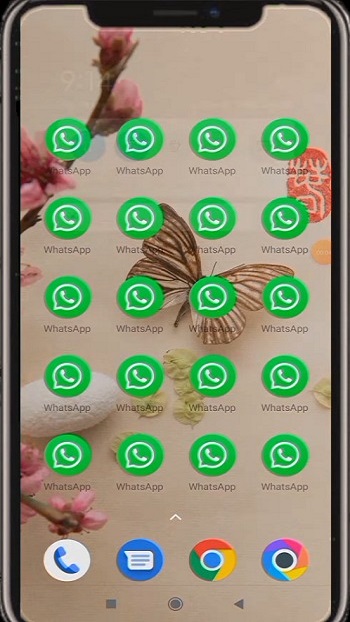
Nuga Cloner APK is an Android utility app built to give people control over how they use multiple apps and accounts on one phone. It's not a game, it’s more like a behind-the-scenes power tool that helps you clone your favorite apps so you can run different accounts at the same time — without logging out or switching devices. Whether you're juggling work and personal accounts or just need a way to keep your gaming lives separate, this app has your back without messing up your phone’s performance.
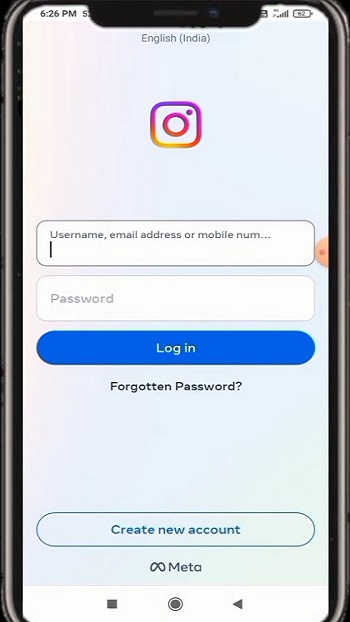
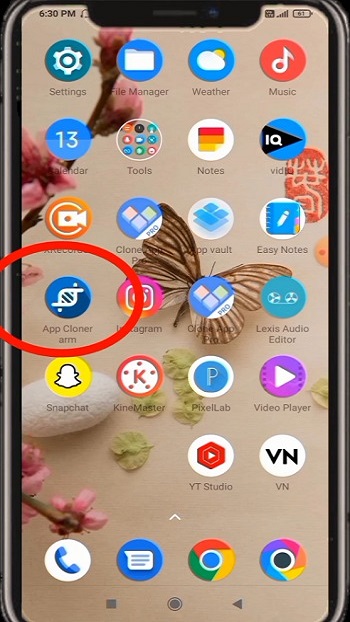
Let’s be real — switching between accounts on social or messaging apps can get messy, fast. Nuga Cloner skips the chaos. It builds perfect clones of apps like WhatsApp, Instagram, and even mobile games, each living in its own little bubble. You get fresh app instances, totally independent from each other, so you’re not stuck in that back-and-forth loop of signing in and out. It’s like having digital twins on your home screen.
Now, about privacy — this app actually respects it. You control what each clone can access: photos, contacts, location... or none of the above. It gives you permission controls per clone, which is super rare. So if you’re worried about apps creeping into your data, Nuga Cloner lets you draw the lines yourself, no rooting your phone needed.
Customization is also a win here. You can rename your cloned apps and even swap out the icons so you’re not constantly second-guessing which one's which. That way, your screen stays organized, and you’re not accidentally posting to your work Insta instead of your meme account.
Then there’s the whole backup side of things — something you usually don’t think about until it’s too late. Nuga Cloner lets you back up app data regularly, and even smarter, it supports incremental backups. That means it only saves changes since your last backup, which saves space and time. If you ever switch phones or apps glitch out, you can get your stuff back fast.
One thing to keep in mind: while it's powerful, running several clones at once might eat into your phone’s battery and RAM, especially on older devices. So it works best if your phone can handle some multitasking. Also, certain apps with strict anti-duplicate measures (like some banking apps or high-security games) may not play nice, which is more on the app than Nuga Cloner.
Overall, Nuga Cloner isn’t about flashy features — it’s about doing the everyday stuff smarter. It’s a solid pick for anyone who wants to streamline their phone usage without rooting, overcomplicating, or compromising privacy. From casual users to busy professionals, it quietly levels up how your apps work — and how you work with them.
FAQs Nuga Cloner
What is Nuga Cloner?
+
Nuga Cloner is an Android app that lets users duplicate apps like WhatsApp or Instagram so they can run multiple accounts on one device.
How does Nuga Cloner handle privacy?
+
Each cloned app has its own permission settings, so you can decide what data it can or can’t access — no shared info between originals and clones.
Can I customize cloned apps in Nuga Cloner?
+
Yes, you can change names, icons, and appearance to make each cloned app easy to identify and organize on your screen.
Is rooting required to use Nuga Cloner?
+
Nope, you get full cloning features and privacy controls without needing to root your phone, which means your device stays safe and under warranty.
Does Nuga Cloner support backups?
+
Absolutely. You can set up regular and incremental backups for your cloned apps to make sure your data is always recoverable.
Discover More Interesting Apps
-

Theick.io
v0.4.8
29 MB
Updated -
Mod
Express VPN
v12.64.0
232.00 Mb
Updated -
Mod
Remote Mouse Pro
v5.306
63 MB
Updated -
Mod
TLS Tunnel
v7.2.6
27.95 Mb
Updated -
Ace Stream
v3.2.19.5
107.59 Mb
Updated -
90 FPS
v11.4
16.02 Mb
Updated -
Mod
Medix
v1.4.0
69.80 Mb
Updated -
Mod
Multi App
v2.7.0
37.47 Mb
Updated -
Sophon
v1.0.54.1
65.80 Mb
Updated -
Mod
SWAP - No ROOT
vv4.8.8
8.41 Mb
Updated










Share Your Thoughts